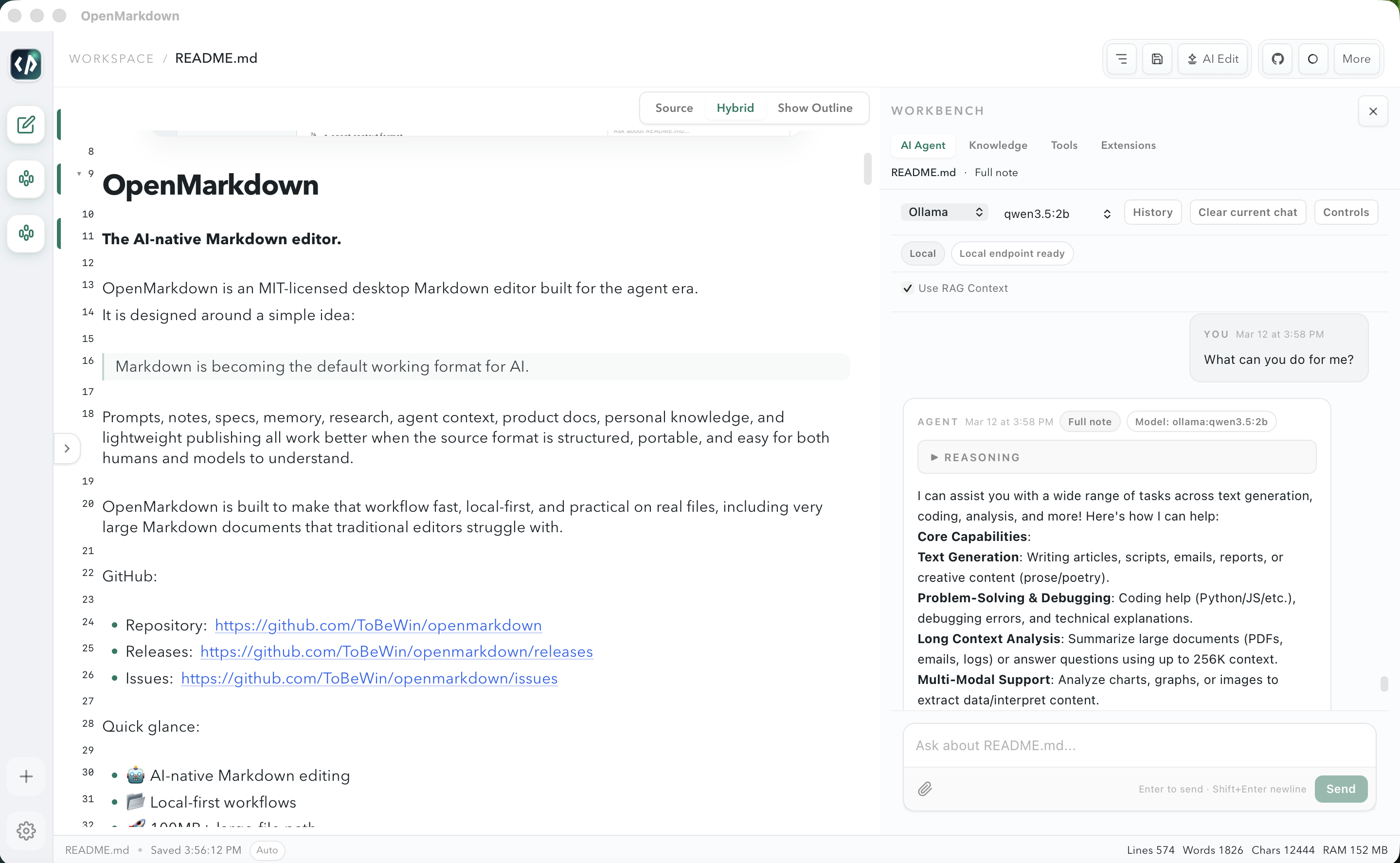
A local-first desktop editor built for the agent era. AI writes directly into your documents. Large files never freeze the UI. Everything stays on your machine by default.
Prompts, notes, specs, memory, research, agent context, and personal knowledge all flow better when the source format is structured, portable, and understood by both humans and models.
Markdown is no longer just for documentation. It's the default format for AI prompts, agent memories, product specs, and personal knowledge.
Your notes stay on your machine. Local RAG, local models via Ollama, local file storage — cloud providers are optional.
MIT licensed. No vendor lock-in. No proprietary formats. Inspectable, extensible, and community-friendly.
The editor stays clean. The workbench stays focused. Everything flows back into your Markdown.
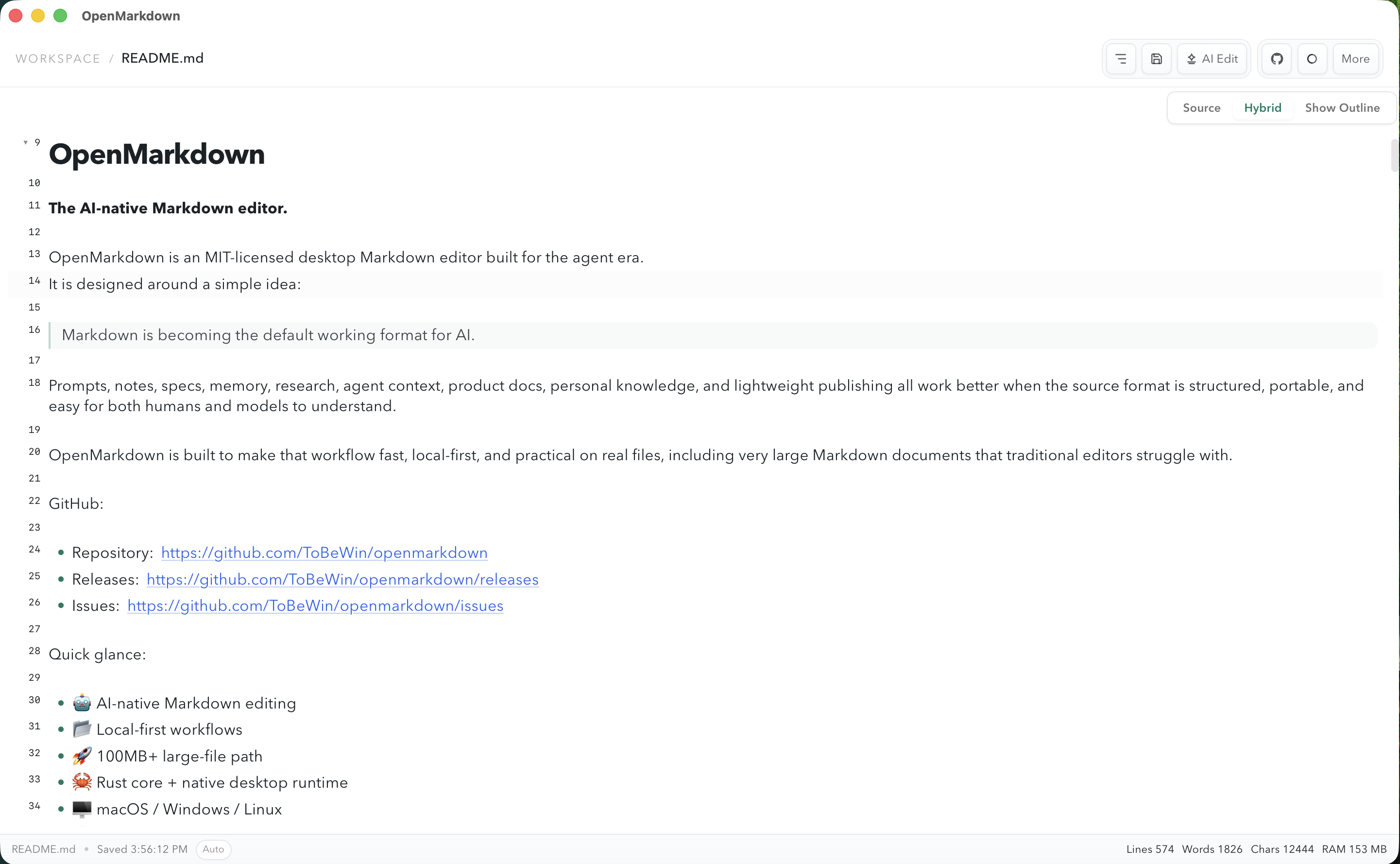
Hybrid Markdown Editor — write, preview, and structure in one surface.
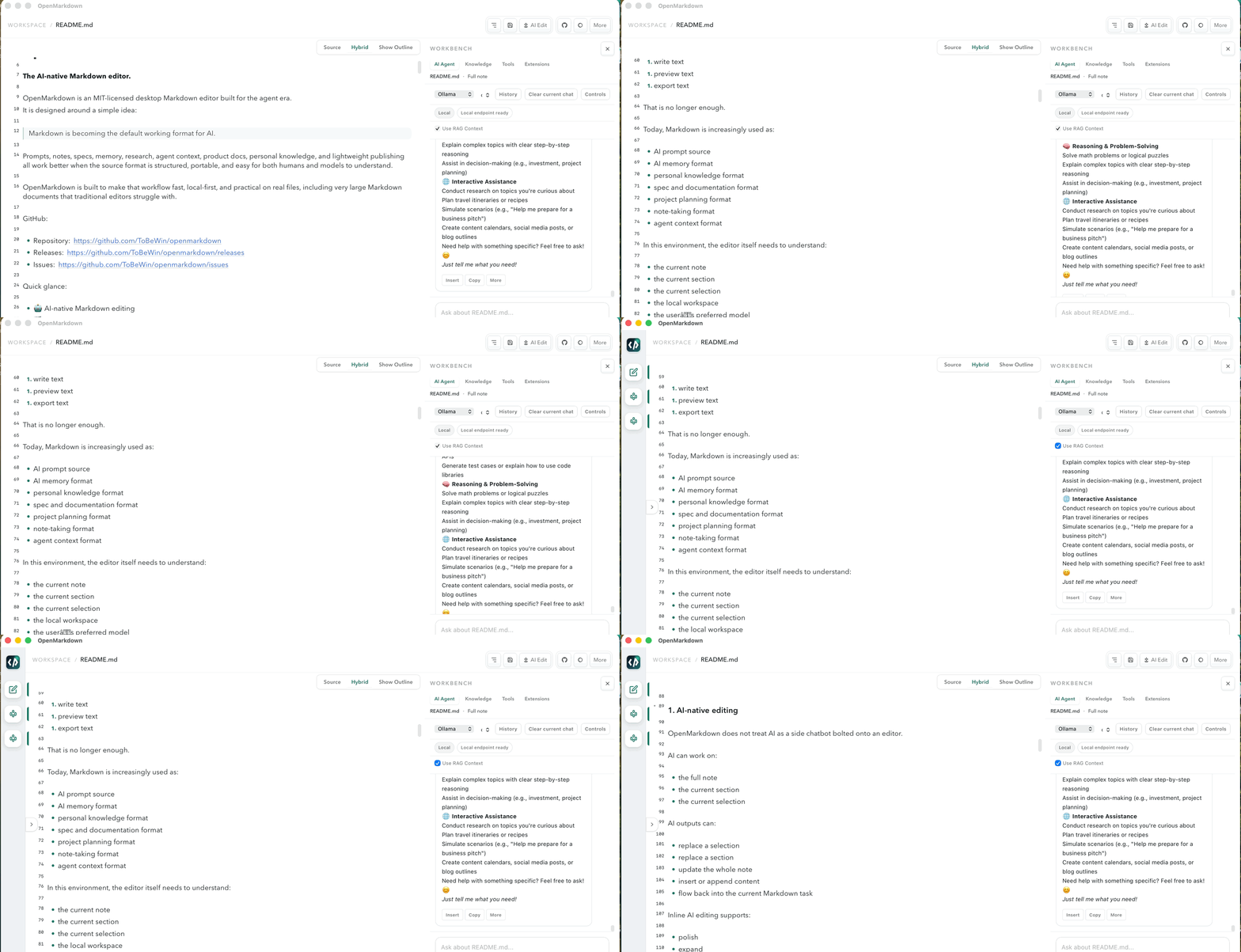
Workbench — AI Agent, Knowledge, Tools, and Extensions for the current note.
Four pillars that separate OpenMarkdown from every other Markdown editor.
Not a side-panel chatbot. AI works on the full note, the current section, or your selection — and writes directly back into the markdown. Polish, expand, shorten, structure, translate, or use patch-style preview before applying.
Local files, local workspace browsing, local RAG over your notes, Ollama for local models, and local Pandoc export. Choose cloud when you want it — but never be forced to.
Large files are not a separate product — they are a natural path inside the Writer. The editor switches automatically with async indexing, range-based reads, and virtualized editing.
The right-side Workbench runs AI Agent, Knowledge, Tools, and Extensions. Results flow back into the current Markdown document or onward to AI for further transformation.
Every capability you need while writing, researching, or publishing — nothing that gets in your way.
WYSIWYG-style hybrid editing with full source mode. Switch between seeing rendered structure and raw Markdown.
Go beyond basic Markdown with rendered media blocks.
Queue-based export to multiple formats.
Local tools running within workspace boundaries.
Paste, drag or pick. Stored beside your note with relative links for portability.
Tauri v2 desktop shell, async Rust engine, and a Svelte 5 frontend — designed for performance and developer ergonomics.
Nine AI providers with multi-model routing, local/cloud readiness state, conversation history, per-provider presets, and automatic fallback handling.
Built around local ownership. When you choose a local model, the note stays on your machine. Cloud providers are optional.
macOS · Windows · Linux — native desktop packaging with platform-specific builds.